Learning / BROWSER DEMO
MyAdmissionBD
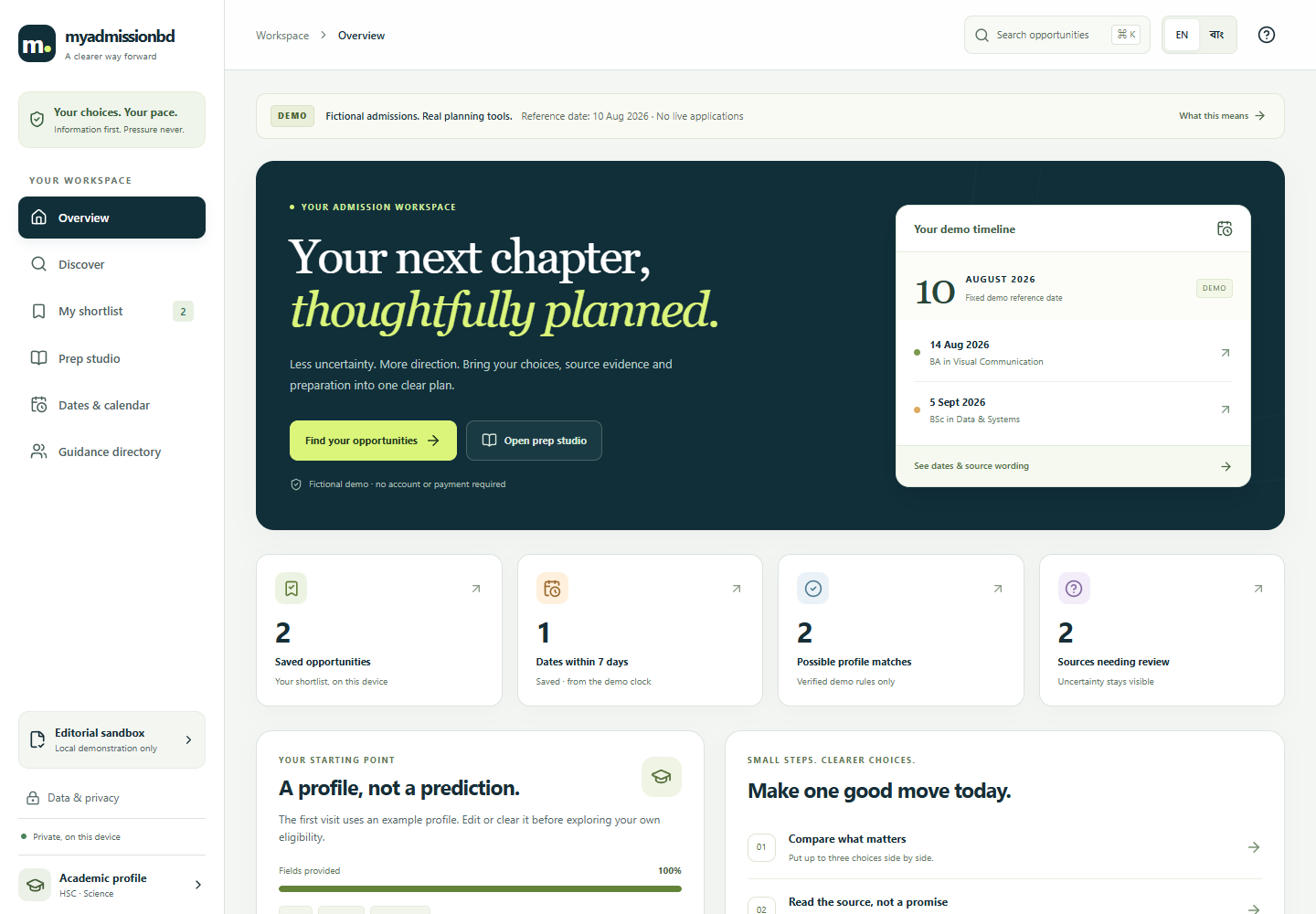
MyAdmissionBD demonstrates bilingual admissions discovery with fictional institutions, requirements, and dates. It lets you inspect evidence, compare options, and organize local preparation tasks.
Free to explore · No sign-in · Demonstration data
EXPLORE
What you can try
- Search sample institutions and programmes using English or Bangla.
- Review explained eligibility results alongside their source and date context.
- Save and compare options, organize preparation tasks, and download calendar files.
START HERE
Try it in three steps
- Search for a sample institution or programme and filter the results.
- Open an option to review its eligibility explanation and source details.
- Add an option to your shortlist, try a preparation task, or export a demo calendar.
CONTEXT & LIMITS
Know what the demo shows
- Institutions, requirements, fees, and deadlines are fictional or historical examples, not current admissions facts.
- The demo does not submit applications, contact institutions, or connect to official feeds.
- An eligibility display is an example rule result, not an admission decision or guarantee.
Use fictional information when trying inputs. The browser edition has no live service, account, payment, dispatch, or external AI integration. Any local saves belong to this browser and device.
COMMON QUESTIONS
Before you explore
Can I apply to a university through this demo?
No. It has no application submission or university integration.
Are the deadlines current?
No. Sample dates are not maintained as current deadlines; check official institution sources independently.
Release information
Maintained by Mohammad Rezwan Khan. Browser release updated . This page describes the shipped browser demo; it is not a claim of professional or production validation.
Machine-readable app facts · Plain-text overview · Dependency & content notices
Source revision 6588cf42c674 · Runtime SHA-256 dfaf749d02a4f3bc
Governing Equations, Inputs, Outputs & Dimensional Conventions
MyAdmissionBD executes deterministic client-side calculations in the browser. Every scenario is governed by explicit mathematical formulations and unit checks:
Declared Units & Arithmetic Conventions: GPA on 5.00 scale; subject marks in %; preparation readiness index in %; checklist completion count.
Scope & Operational Boundary: Fictional or historical admissions discovery, eligibility explanation and local shortlist planning. Replace or clearly label dates and requirements; no official admissions service.
Launch Interactive MyAdmissionBD Runtime → · Read Full Methodology & Validation Notes →
Verified Case Study & Held-Out Reference Table
Worked Verification Case: Fictional Sandbox Example (Applicant GPA 4.75 HSC / 4.80 SSC, Physics 88%, Math 91%): Evaluated against a clearly labeled fictional engineering cluster rule (minimum GPA 4.50, Math + Physics ≥ 170%), the sandbox explains why each criterion passes, generates a local preparation timeline, and explicitly warns that real university admission circulars must be verified from official registrar websites.
| Sandbox Rule Type | Input Variables | Evaluation Output | Data Provenance Label |
|---|---|---|---|
| Cluster Eligibility Check | SSC/HSC GPA + Subject Marks | Criterion-by-criterion Pass/Fail | Fictional / Dated Sandbox |
| Shortlist Planner | Target Units + Exam Dates | Conflict & Revision Schedule | Local Browser JSON |
| Readiness Diagnostic | Topic Practice Logs | Coverage Gap Summary | Illustrative Only |
How to Use MyAdmissionBD in 3 Reproducible Steps
- Select a Baseline Scenario or Practice Module: Open the interactive browser runtime and choose one of the shipped synthetic presets or diagnostic modules to load its verified input parameters and unit declarations.
- Inspect Intermediate Traces & Constraints: Review the computed ledger, error diagnostics (MAE/RMSE/margin/balance checks), or bilingual explanations alongside the governing equations documented on mkquest.co.education/methodology/.
- Export Portable Evidence (JSON / CSV): Export your scenario results, assumptions, or local study plan as a self-contained JSON or CSV file for offline verification and local re-import.
Methodological & Boundary FAQs
Can I apply to a university through this demo?
No. It has no application submission or university integration.
Are the deadlines current?
No. Sample dates are not maintained as current deadlines; check official institution sources independently.
What mathematical model and units does MyAdmissionBD use?
MyAdmissionBD applies Eligibility Gate E(u) = ∧_{k=1..m} [ Score_k(u) ≥ Threshold_k(u) ] evaluated strictly against explicitly dated/fictional sandbox rule sets. Units: GPA on 5.00 scale; subject marks in %; preparation readiness index in %; checklist completion count.
What are the operational boundaries and limitations of MyAdmissionBD?
Fictional or historical admissions discovery, eligibility explanation and local shortlist planning. Replace or clearly label dates and requirements; no official admissions service. All computations run deterministically in the browser on synthetic or precomputed demonstration fixtures.
How can I reproduce the benchmark results in MyAdmissionBD?
Open the interactive browser workspace at ./run/, select Case 1 to inspect the worked result (Fictional Sandbox Example (Applicant GPA 4.75 HSC / 4.80 SSC, Physics 88%, Math 91%): Evaluated against a clearly labeled fictional engineering cluster rule (minimum GPA 4.50, Math + Physics ≥ 170%), the sandbox explains why each criterion passes, generates a local preparation timeline, and explicitly warns that real university admission circulars must be verified from official registrar websites.), and export the JSON or CSV evidence ledger.
Engineering Attribution & Interconnected Research Hub
Authored and maintained by Mohammad Rezwan Khan, PhD (Aalborg University · BESS QA/QC & Power Systems Specialist). Canonical URL: https://mkquest.co.education/ · Source revision: 6588cf42c674 · Runtime SHA-256 prefix: dfaf749d02a4f3bc · Repository provenance: https://github.com/mohammadrezwankhan/myadmissionbd-demo (private source engine; public deterministic browser projection).
Application Metadata (app.json) · AI / LLM Discovery Guide (llms.txt) · Full Technical Corpus (llms-full.txt) · Semantic Knowledge Graph (knowledge-graph.jsonld)
Explore the MKLab & ASTRA Research Ecosystem
- Mohammad Rezwan Khan, PhD — Core Authority & BESS QA/QC Hub
- Datacenter Twin Lab — 12-Lesson Power Systems & EMT Simulator
- HelioForge Energy Lab — Hybrid Solar-Wind-BESS Microgrid Dispatch
- ZephyrTrade — Wind-Market Quantitative Backtesting
- MKLab Directory — Complete 68-App Browser Engineering Suite
- MyHSCBD — HSC Study Notes & Planners
- MyGREBD & TOEFL — Graduate Exam Practice
- MyCoachingBD — Coaching Evaluation Checklist